Employees
Quick Summary
Employees are workers you can hire to automate certain tasks in your store.
How to hire
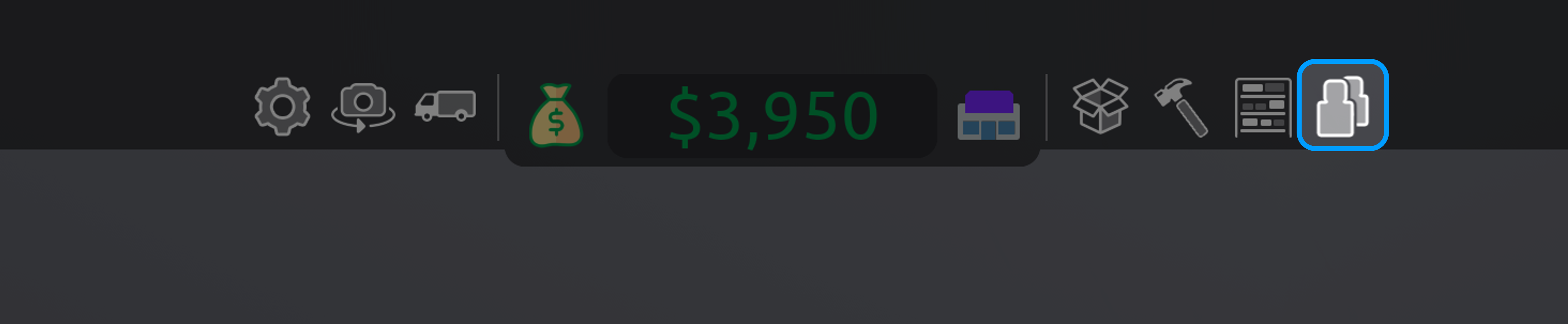
The employees menu that you can open at the top of your screen is the place where you manage all your employees.
From here you can hire and fire employees, put them on a break and configure their settings.
Managing your staff
Each employee you hire requires a set wage per minute (see table below), this gets paid automatically.
You can pause your employees to only pay them half.
Once you close your store and all customers are gone, you will stop paying your employees.
Your employees will level up while they are working at your store. When they level up they generally get faster or better at their job.
Certain employees have specific settings you can/need to configure, you can do this by clicking on an employee in the employees tab:
• manager: You can configure the "amount to stock" and whether or not they order via instant-delivery.
• delivery driver: You can select which vehicle you want your delivery driver to use, make sure you have enough space for them to park at your store.
• finance rep: You can configure the minimum loan they can give out to customers in your store, it is recommended to set this to "any" once you have enough finance reps.
Staff-views
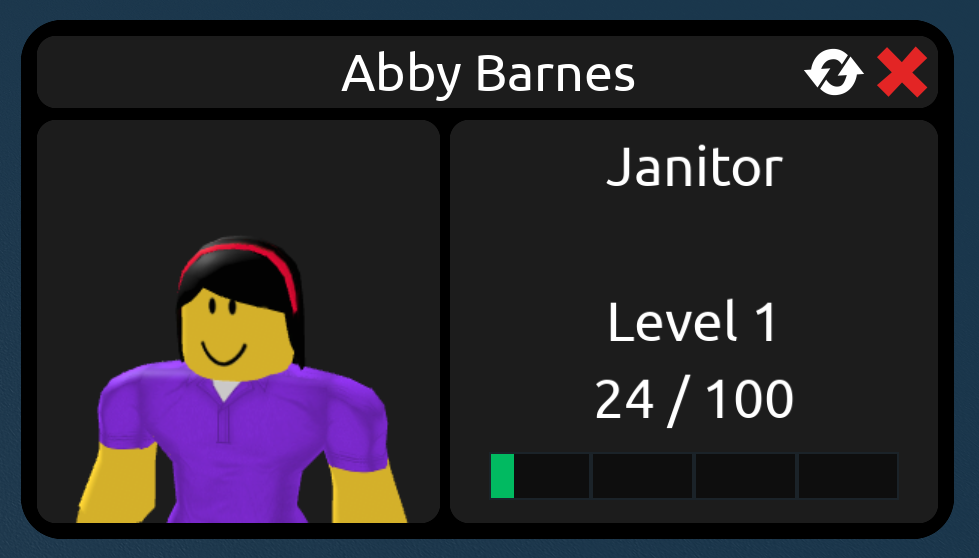
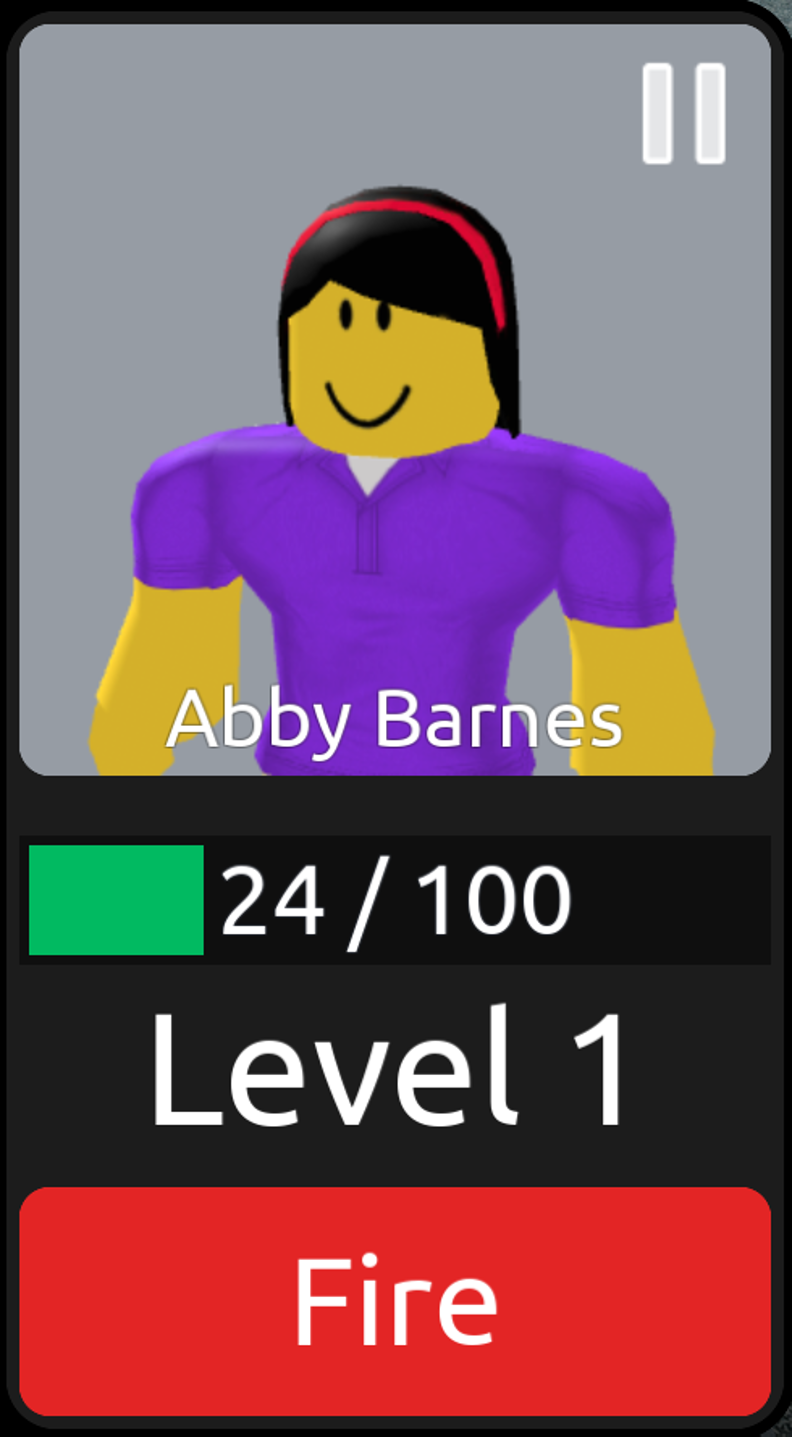
When clicking on an employee that is in your store you can:
• see their name & role
• see their level and how close they are to their next level
• reset that employee by clicking the arrows.
When clicking on an employee in the employees tab you can:
• see their name
• see their level and how close they are to their next level
• pause or unpause your employee
• change the employee settings (on some employees)
• fire that employee.
Store-management

You can use some overlays in build mode to smooth your employees work (see image):
For your guards, you can use the camera overlay to see where the cameras you put around your store can see and alert your guard.
For your janitors, you can use the last overlay to see where the bins you have placed around your store cover. Customers can litter the ground on all grey spots.
Overview of all employee-types
| Employee | Hiring Cost | Per-minute pay | Items needed to work |
|---|---|---|---|
| Cashier | $200 | $20 | Checkout Register/Counter |
| Restocker | $200 | $20 | / |
| Janitor | $200 | $20 | Dumpster |
| Manager | $400 | $40 | Manager/Any-employee desk |
| Guard | $300 | $30 | / (work best with security gates/cameras) |
| Delivery Driver | $300 | $30 | Vehicle with more than 0 capacity |
| Finance Rep | $400 | $40 | Finance Rep/Any-employee desk |
Contact: knowbolb@gmail.com
This is not an official site and can contain mistakes.